BarkBox · E-commerce
BarkBox cut chargeback dispute prep from hours to one minute
6 figuresimpact on the bottom line
Hours → 1 min to prepare a chargeback dispute

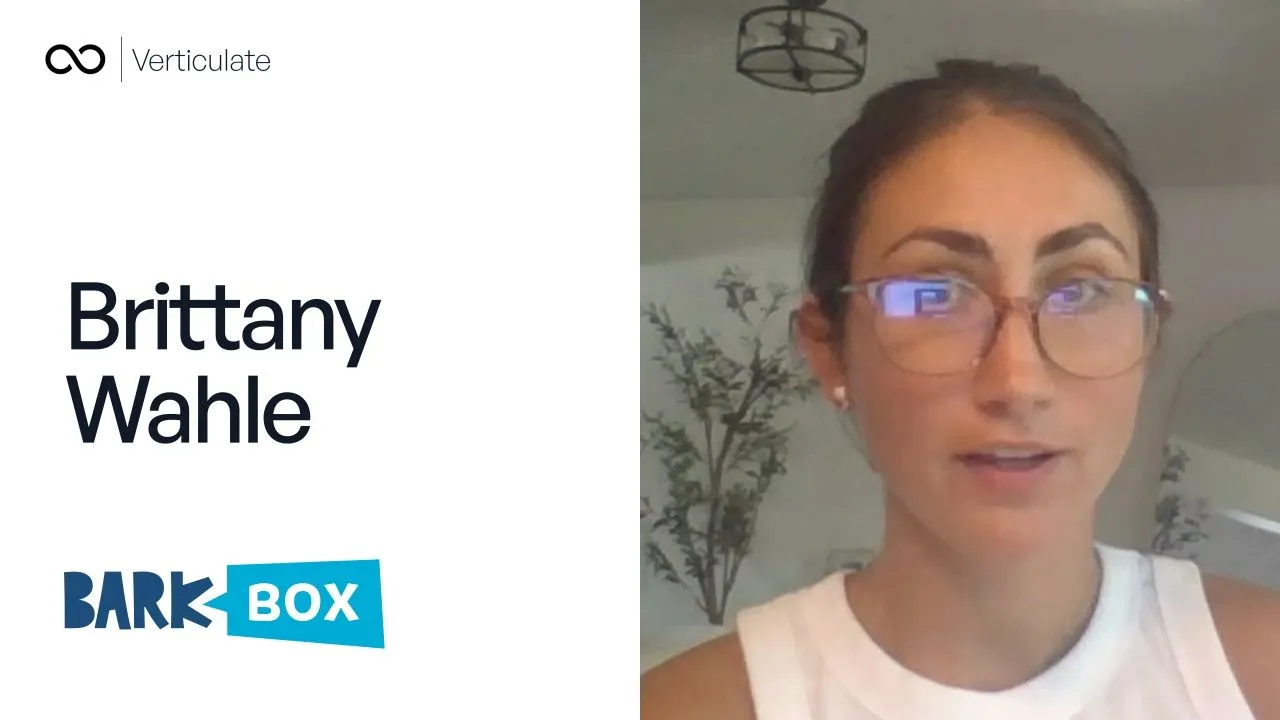
“Before it took hours of work with lots of human error. Now it takes a minute.”
We automate the routine work in your business, and add AI where a task needs reading or writing. A person checks the AI’s work until it’s as accurate as your team.
Four steps, in this order. Each one is explained in more detail below.
We look for the tasks your team repeats every day or week, and decide which need automation and which need AI.
We map how each task runs today and remove the steps that shouldn’t exist, before anything is automated.
We build the automations and AI on leading tools, inside your own system, and record every step.
A person checks every AI output until it’s as accurate as your team. Then checks drop to a sample.
Automation follows fixed rules: when this happens, do that. AI handles the tasks that need reading or writing. Most companies need both.
| Task | Automation or AI | What it does | What a person does |
|---|---|---|---|
| Moving data between tools | Automation | Copies details from one tool to another, so nobody types them twice | Nothing, once it is set up |
| Updates and reminders | Automation | Sends clients and staff the right update when a job changes stage | Changes the rules when the process changes |
| Sorting incoming work | AI | Reads incoming email and documents, sorts them and sends each to the right person | Handles anything flagged as unclear |
| Drafting | AI | Drafts replies, quotes and reports from your templates and records | Approves, edits or rejects each draft |
| Pulling details from documents | AI | Pulls details from invoices, forms and purchase orders into your system | Checks any detail the AI is unsure of |
| Answering staff questions | AI | Answers from your procedures and past jobs, and shows where the answer came from | Keeps the procedures up to date |
These stay with people, or wait until the process is fixed.
So before we automate anything, we map how the work runs today, step by step, with the people who do it.
We use automation tools and AI models from providers such as OpenAI and Anthropic, and build only the parts specific to your process. Everything is recorded, so you can check what happened and why.
| Question | Answer |
|---|---|
| What it is built on | Most systems are web applications on a Postgres database (Supabase), hosted on Vercel, in accounts your company owns. Where HIPAA applies, we build on AWS or Google Cloud under a signed business associate agreement. Where NIST 800-171 or FedRAMP controls apply, we build on AWS GovCloud (US) or Google Cloud Assured Workloads. |
| Which AI models we use | Leading models from providers such as OpenAI and Anthropic. We test them on your own examples and pick the one that is accurate enough for each task at the lowest cost. |
| What is recorded | For every step: what the AI or automation read, what it did and who approved it. |
| Can we switch it off | Yes. Any task can go back to a person checking every output, at any time. |
Today
Owner pulled in, per week
31times a week, down from 31
Security is part of the build from day one, not added at the end.
We measure accuracy on your own work. Checking drops to a sample only once a task holds above a level you agree.
We gather the procedures, templates and past examples the AI will work from, and fill the gaps.
The AI drafts. A person approves, edits or rejects each item, and every decision is logged.
We track the share of drafts approved without changes, task by task, week by week.
When a task holds above the agreed level, usually 95–98%, checking drops to a sample. Other tasks stay in draft mode.
A person reviews a sample every week. If accuracy slips, the task goes back to full checking.
Drafts approved without changes
Every draft checkedSample checked
“Before it took hours of work with lots of human error. Now it takes a minute.”
 Brittany WahleInbound Manager, BarkBox
BarkBox · E-commerce
6 figuresimpact on the bottom line
Hours → 1 min to prepare a chargeback dispute
“Before it took hours of work with lots of human error. Now it takes a minute.”
Neoon · E-commerce
14 hours a weektime saved on B2B inquiries and quotes
€500–900 → €15k monthly revenue

“Money wise, also, we made more sales because you can track everything better, and also the average order value increased.”
UK Linkology · Professional services
14 → 2people needed on one delivery team
Double-digit rise in team capacity, without hiring

“You've done something that I've not managed to do in 10 years of running the business.”
Straight answers on ownership, the stack and your data. If yours is not here, ask it on the call.
You do. The accounts, hosting, database and code are in your company's name from day one and billed to you directly, usually from about $100 a month. Our access is one user account you can switch off at any time. There are no license fees.
Most systems are web applications on a Postgres database (Supabase), hosted on Vercel, in accounts your company owns. Where HIPAA applies, we build on AWS or Google Cloud under a signed business associate agreement. Where NIST 800-171 or FedRAMP controls apply, we build on AWS GovCloud (US) or Google Cloud Assured Workloads.
We sign NDAs as standard. Access is role-based and logged. If you handle health data, raise it on the discovery call and we will go through your requirements.
Trusted by 100+ companies, including